Install IPTV On Smart TV: IPTV Smarters Setup Guide 2025
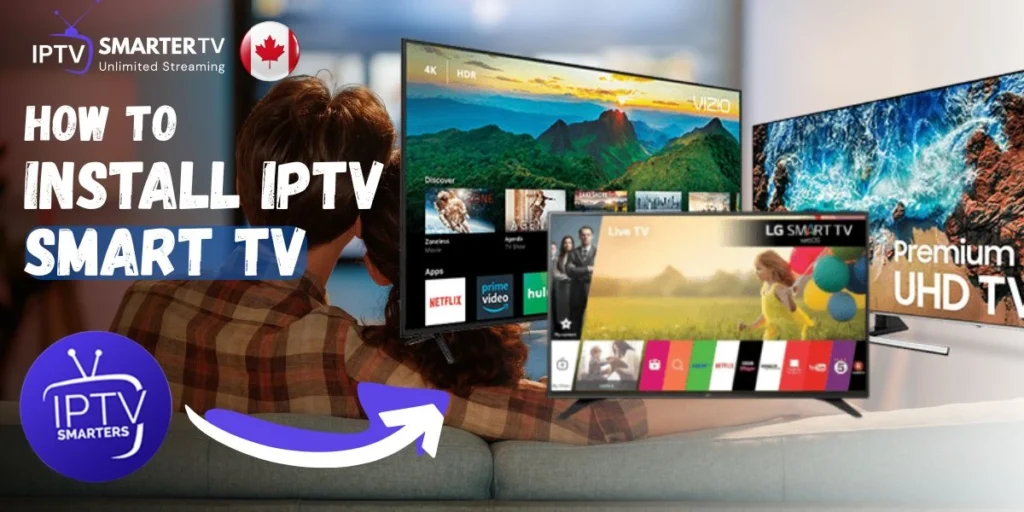
How to Install IPTV On Smart TV (Easier Than You Think)
Here’s what surprised me when I first tried to install IPTV on Smart TV—I thought I’d need some computer science background or at least a teenager to help me. Turns out it’s simpler than setting up Netflix, and I had it running in about 15 minutes while my coffee was still warm. My neighbor spent weeks researching before asking me for help, and when she saw how straightforward it was, she literally said “That’s it?”
Let me walk you through this like we’re sitting in your living room together, remote in hand.
What You Need Before Starting
- Smart TV (Samsung, LG, or Android TV)
- Working internet connection
- IPTV subscription (grab one here)
- Your login credentials (emailed when you subscribe)
- About 10-15 minutes
That’s literally it. No extra equipment needed.
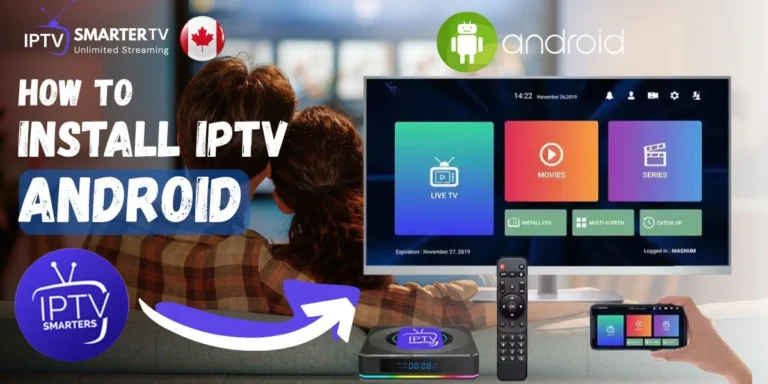
For Android TV (Easiest Method)
The Story: Android TVs are the easiest because they have Google Play Store built in. It’s literally like downloading an app on your phone, but bigger.
Here’s how:
- On your Android TV home screen, go to Google Play Store
- Search for “IPTV Smarters Pro”
- Click Install (it’s free)
- Open the app once installed
- Choose Login with Xtream Codes API
- Enter your credentials:
- Username (from subscription email)
- Password (from subscription email)
- Server URL (provided when you subscribed)
- Click Add User
Done. Channels load in seconds and you’re watching TV.
For Samsung Smart TV (Requires Workaround)
The Story: Samsung TVs use their own system (Tizen), which doesn’t support IPTV Smarters directly. I learned this the hard way after spending 30 minutes looking for the app that doesn’t exist in their store. Here’s the easy fix.
Two options:
Option 1: Get a FireStick (Recommended)
- Buy an Amazon FireStick ($39-49)
- Plug it into your Samsung TV’s HDMI port
- Follow our FireStick installation guide
- Use IPTV Smarters through the FireStick
Why this works: Your Samsung TV becomes just a screen. The FireStick does all the IPTV work.
Option 2: Use Smart IPTV App
- Go to Samsung App Store on your TV
- Search for “Smart IPTV”
- Install and note the MAC address shown
- Visit Smart IPTV website and activate (small one-time fee)
- Upload your M3U playlist from your IPTV provider
For LG Smart TV (Similar to Samsung)
The Story: LG uses webOS, which also doesn’t have IPTV Smarters in their store. Same solution—FireStick makes everything simple.
Best approach:
- Get an Amazon FireStick
- Connect to your LG TV via HDMI
- Install IPTV Smarters on the FireStick
- Enjoy full functionality
After Install IPTV On smart TV : Making It Work Better
Once you’ve got IPTV Smarters running, here are quick wins:
Set Up Favorites: Don’t scroll through 10,000 channels every time. Mark your regular channels as favorites—CBC, TSN, Sportsnet, whatever you actually watch. Access them instantly.
Adjust Video Quality: If buffering happens, go to Settings → Player Settings → adjust stream quality. Sometimes starting at 720p instead of 1080p helps if your internet’s being temperamental.
Use the EPG: The program guide shows what’s playing now and what’s coming up. Way better than channel surfing blindly hoping to find something good.
Enable Parental Controls: Got kids? Set up a PIN for adult channels or content above certain ratings. It’s in Settings → Parental Control.
Quick Troubleshooting
App won’t install on Android TV?
- Check your internet connection
- Make sure you’re signed into Google account
- Restart TV and try again
Channels loading slowly?
- Test your internet speed (need 10+ Mbps for HD)
- Close other apps running in background
- Restart the IPTV Smarters app
Can’t login?
- Double-check credentials (no typos or extra spaces)
- Make sure your subscription is active
- Contact support on WhatsApp if stuck
Picture quality poor?
- Check internet speed first
- Adjust quality settings in IPTV Smarters
- Try different server if provider offers multiple options
More solutions in our detailed FAQ.
Why This Setup Matters
Learning to install IPTV on Smart TV means you’re now streaming 10,000+ channels for about $5 monthly (on annual plan) instead of paying $100+ for cable. That’s $1,140 saved every year for better content and more flexibility.
Check IPTV Smarter TV pricing—even the monthly plan at $14 saves you money compared to cable while giving you way more channels and features.
Still Need Help?
Got questions or stuck on a step? Message us on WhatsApp and we’ll walk you through it. Real people, real help—not some automated response system.